1. Learn a little move
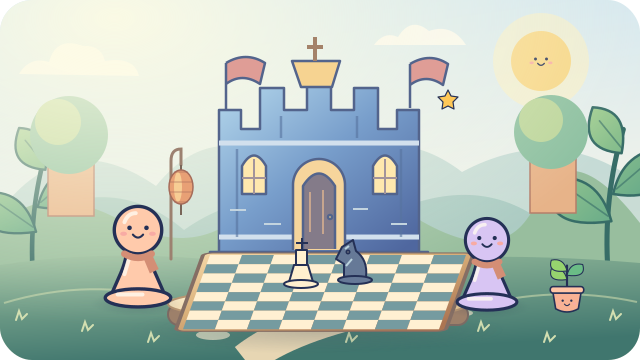
Never played before? Start with pawns. The board shows you where to go.
Teach me the first moveSprout's helping hand
You do not need to know all the rules. Pick one little adventure, and we will help you along the way.
Hi, I'm Sprout! There is no race. Try a move, ask for help, and have another go.
Never played before? Start with pawns. The board shows you where to go.
Teach me the first moveA puzzle is a tiny chess challenge. Find one clever move. Hints are always okay!
Try a puzzleSprout is a gentle place to start. Follow a prewritten decision guide, and take back a turn to try again.
Meet SproutThirty badges celebrate learning and trying. You do not have to win to earn a badge!
See my badgesThe game library · Nine ways to think
Build a plan, spot a pattern, or grow a word. Every board has its own rules and a new idea to explore.
Checkmate the king: put it in check with no legal escape.
First ideaStart with Sprout. Tap a piece to explore its legal moves.
Explore ChessWork together to trap the other general in checkmate.
First ideaExplore the palace lines before sending your pieces out.
Explore JanggiWin by checkmate or by leaving the other team no legal move.
First ideaMeet the cannon: it jumps one piece only when capturing.
Explore XiangqiConnect four of your counters across, down, or diagonally.
First ideaWatch both colors. A line of three may need your attention.
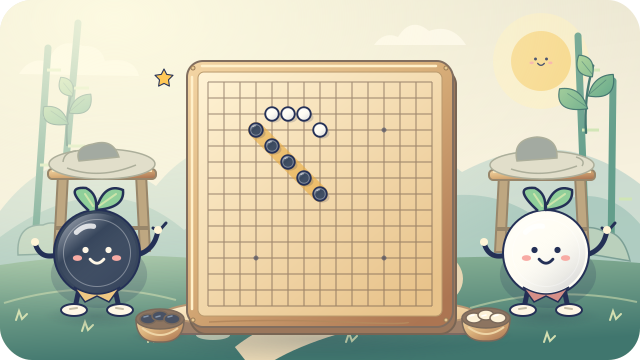
Explore Four in a RowConnect five or more stones in one unbroken line.
First ideaLook along a row, a column, and both diagonals.
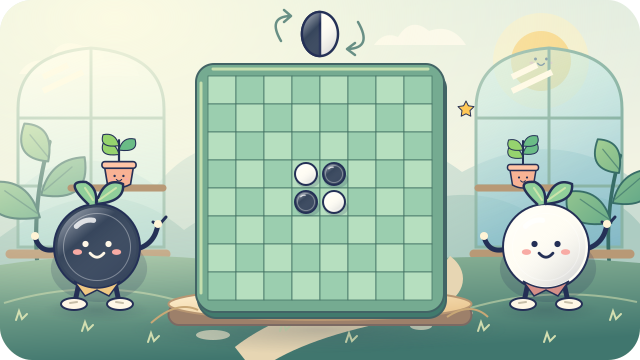
Explore OmokFinish with more discs of your color on the board.
First ideaTrap a line of the other color between two of your discs.
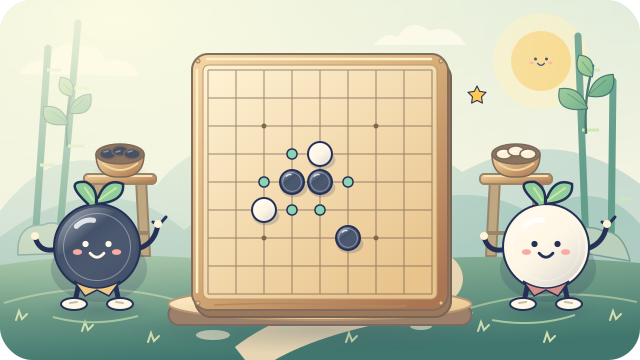
Explore ReversiBuild connected groups and surround space for area points.
First ideaTry the 9-line board. Count the empty neighbors of a stone.
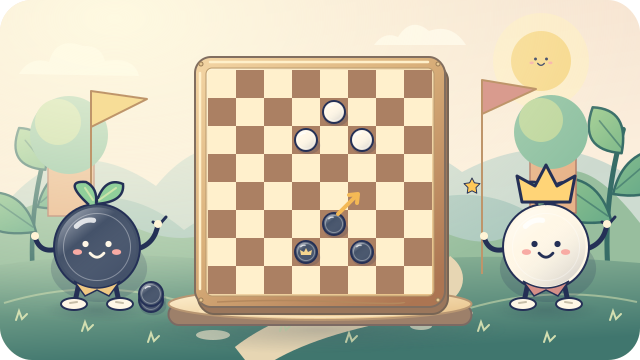
Explore GoCapture the other pieces or leave them without a legal move.
First ideaLook for a jump first. Captures are required in this game.
Explore CheckersConnect valid words and finish with the higher tile score.
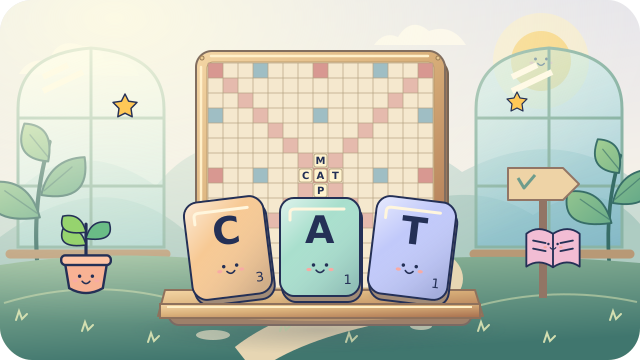
First ideaBuild your first word across the star in the center.
Explore Word TilesA solo logic adventure: mini 4 by 4 or classic 9 by 9. Pencil notes, optional thinking tips, and no timer.
Explore free SudokuStart with a mini 4 by 4 puzzle using 1 to 4, or explore classic 9 by 9 using 1 to 9. Every row, column, and outlined box needs each number once. No adding up, and no racing the clock.
Shelly offers optional thinking tips. Use pencil notes to keep track of ideas, check for repeats, or undo a change. This is free solo practice; it does not join an online match or save school assessment records.
Try Sudoku with ShellyAsk your teacher for a private game code. Your teacher chooses Classic Quiz, Race Arena or Rocket Builder, school sign-in or a guest nickname, and whether guests wait for approval. Choose a friendly animal buddy, then get ready together.
Answer one question at a time. Correct answers move your car or build your rocket. There is no speed bonus, and mistakes never remove earned steps. Read the explanation, learn something, and try the next question.
Enter a quiz adventure codekidplayclub.com Word Tiles is our original English word game: seven tiles, a 15 by 15 board, and a bag to share. Start across the center, then connect new words to the tiles already down. Every new word across and down must be in the game's published dictionary. Invalid plays stay yours to fix; there are no challenge penalties.
Blank tiles can stand for a letter, but always score zero. Letter and word bonus squares work only when a tile is first placed there. Use all seven rack tiles in one turn for 50 extra points. A pass or exchange is a real turn. The lesson explains when the game ends and how leftover tiles affect the score.
Play a computer buddy or pass one device with a covered rack. For tournaments, ask school or club staff to create a private two-player event. Racks stay hidden from opponents and spectators. This is not an official Scrabble product or dictionary; the word list is not a certified child-safety filter.
Explore Word TilesBuddy Dash starts with Letter steps, then Word trail and Story sprint. Pick Animals, Space, Chess, or Nature. Type the highlighted English key to make your animal buddy hop along the trail. A blank means space, and Shift makes a capital. Wrong keys do not move you back: try again. Turn off the hops in Learning comfort controls whenever you like.
Go for accuracy before speed, relax your hands, and take breaks. Ask a grown-up to sign in for free solo practice. School students use Buddy Dash inside their private clubhouse; staff can open a race for two to sixteen classmates.
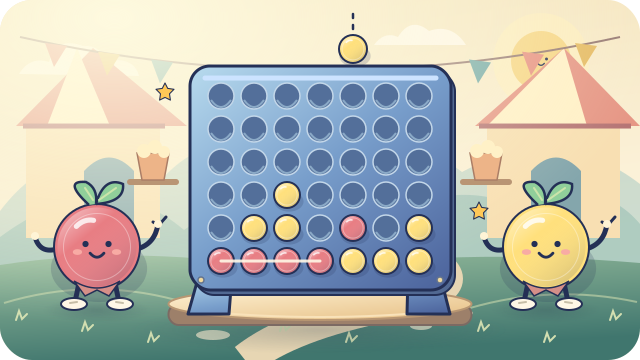
Open Buddy DashFour in a Row: drop a disc, connect four, and watch for your friend's threats. Omok: place stones on a 15-by-15 board and make a line of five or more. Reversi: trap a line of the other color to flip it, and watch the corners.
Each game has short lessons, prewritten tips, friendly computer buddies, same-screen play, and online play. Our Omok uses freestyle rules, with no forbidden moves. Reversi passes are allowed only when no legal placement exists.
These games do not add to chess XP or chess win counts. Practice at your own pace; no open chat or AI requests.
Go starts with empty intersections: choose 9, 13, or 19 lines. Connected stones share breathing spaces called liberties. Capture groups with no liberties, avoid suicide, and do not repeat an earlier board position. Two passes open scoring: mark whole dead groups, agree together, or resume playing if you disagree. Count stones plus surrounded empty points; White receives 6.5 komi.
American Checkers uses the dark squares of an 8 by 8 board. Men move and jump diagonally forward; kings also go backward. If any capture is available, you must jump. Keep jumping with the same piece until its captures end. Reaching the king row ends that move, so a newly crowned king waits until its next turn.
Both games have friendly character opponents, beginner lessons, and practice guidance. Helpful explanations do not change which moves are legal. Online and school tournament play uses the same rules without practice hints or takebacks.
Use the organization code, username, and password your teacher gave you. Your private clubhouse has Learn, Practice, Play, activities from staff, and events. Staff choose the enabled games; all non-AI lessons and buddies in those games are included.
Private tournament results are kept by game. Staff can also celebrate participation, learning, and sportsmanship. Practice check-ins are not graded results or daily attendance.
Open my student clubhouseFour friendly, unrated rounds of international Chess. Free for all verified accounts, with 10 minutes per player and no Premium required. Join an event, then check in from 30 minutes before its scheduled start. Six to sixteen checked-in players are needed.
An organizer schedules each Cup and starts its rounds. Plan for up to 80 minutes plus breaks, and check the displayed timezone. Check-in reserves your online playing spot until the Cup ends or you leave registration before it starts. No chat, AI hints, or takebacks; generated nicknames keep the focus on chess. Verified accounts can watch, too.
Make at least one move in every assigned game to qualify for a participation badge; byes count. Top-three trophies also require completion. No-shows miss completion awards, and clocks keep running while disconnected. Confirmed Cup awards live separately in Rewards.
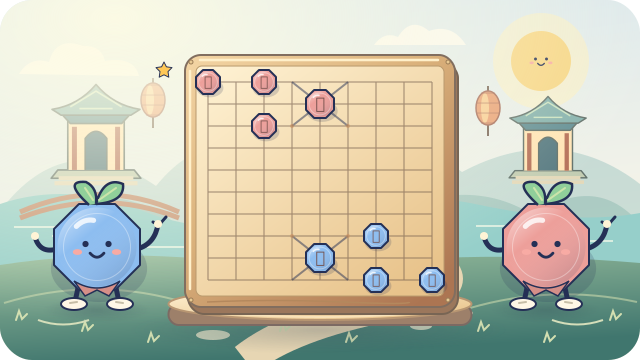
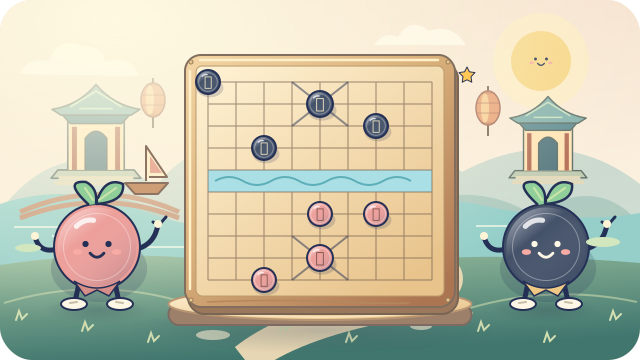
Find a Friendship Cup & read the rulesJanggi is Korean chess. Xiangqi is Chinese chess. Both use a board of nine lines across and ten down, but their pieces follow different rules! Tap a piece to see legal paths and open the piece guide below its board.
Choose Sprout for a gentle start, share one screen, or select the same game in the online clubhouse. Buddy games offer free prewritten decision guides and takebacks. AI guidance is not available in live human games.
These use learning rules: three repeated positions draw instead of tournament chasing decisions. Janggi starts in a fixed formation. Variant games do not award XP, gems, or badges yet.
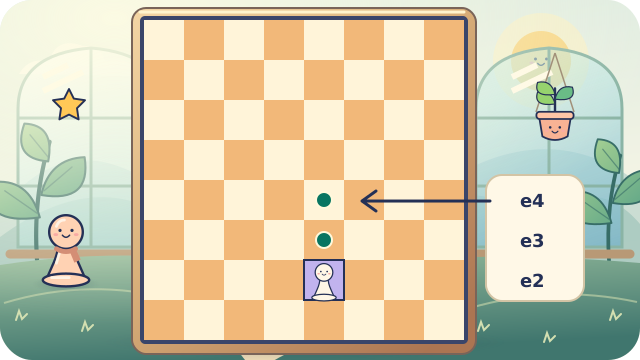
You can also drag a piece. With a keyboard, use Tab to reach a square and Enter or Space to choose it.
In lessons and puzzles, choose Get a hint. Need more help? Choose Reveal the move.
With a computer buddy, follow Your decision guide or choose Take back my turn. The checklist is prewritten, not AI-generated. Piece guides explain the rules.
Family Premium includes a live AI coach during practice against the computer. It explains one legal move, and the child still plays it.
Visit the learning trailShare one screen with someone you know, or ask a grown-up to help you enter the online clubhouse.
Online, find a match, invite a friend, or watch a public board. Watching means looking only: spectators cannot move the pieces. No chat or personal profiles.
Use the Grown-ups menu for sign-in and billing. Lessons, puzzles, buddies, and adventures are free for learning. Premium adds more child profiles, play hours, and a digest for every child. Online play and watching require verified accounts and the connected service. Email verification alone is not age verification.
The Sound button mutes all game and character sounds. Reduced-motion device settings turn off decorative wobbling. Badges celebrate progress without streak penalties or deadlines.
Plans for grown-ups