Chess
Knights, bishops, queens, and twelve friendly buddies.
Explore ChessFor parents & carers
A friendly place to discover nine board games, learn from mistakes, and celebrate small steps. Here is what your child can do, what you can control, and how to get started.
A child can play without an account. Use an adult email when you want saved progress, online play, or controls on this browser. Questions: support@kidplayclub.com
Try patterns, planning, turn-taking, and explaining an idea. These are learning opportunities, not a promise of academic gains or a certified skill assessment.
Knights, bishops, queens, and twelve friendly buddies.
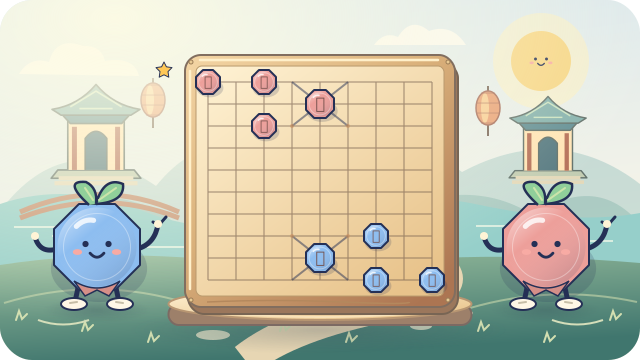
Explore ChessExplore palace paths, leaping cannons, and big elephant steps.
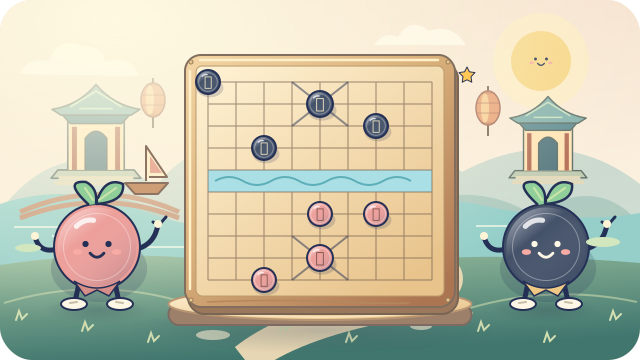
Explore Janggi (장기)Cross the river with soldiers and discover clever cannon captures.
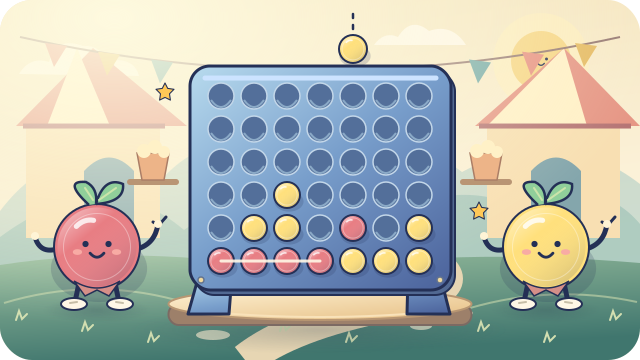
Explore Xiangqi (象棋)Drop counters and connect four across, down, or diagonally.
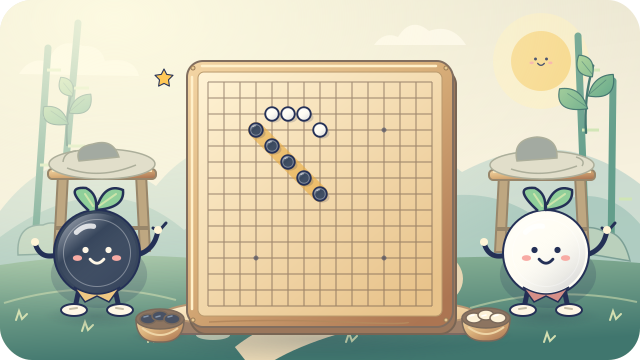
Explore Four in a RowPlace stones on a 15×15 board. Five or more in a row wins!
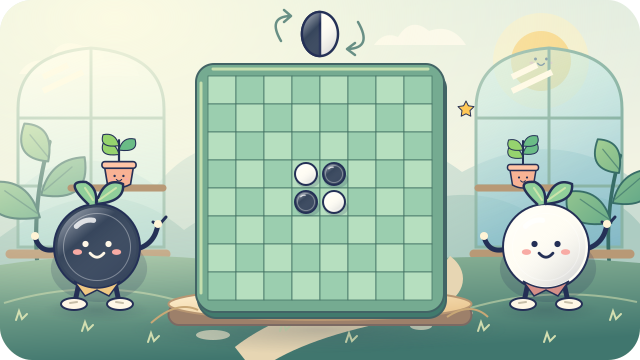
Explore Omok (오목)Surround and flip discs. Finish with the most discs to win.
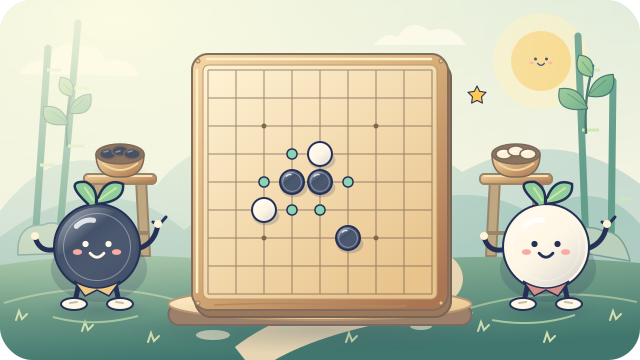
Explore ReversiExplore liberties, captures, and territory on 9, 13, or 19 lines.
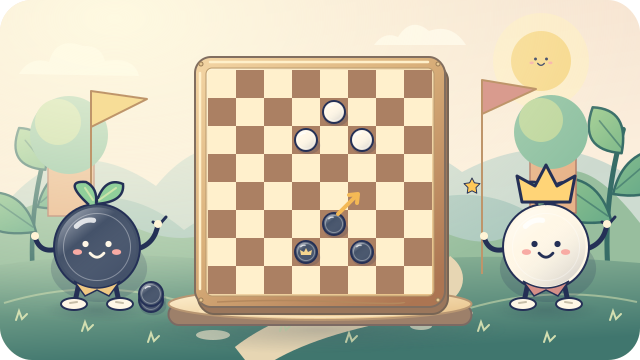
Explore GoFollow diagonal paths, make every required jump, and crown your kings.
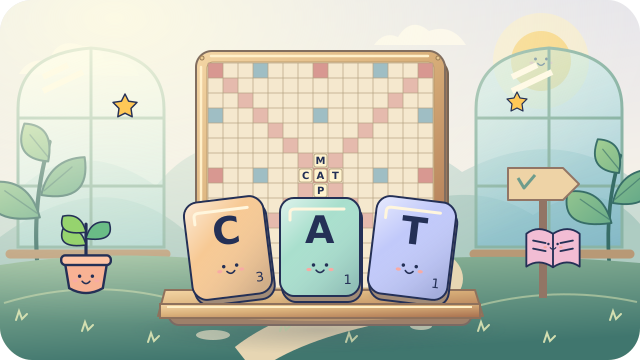
Explore CheckersBuild connected words, explore bonus squares, and share a friendly word challenge.
Explore Word TilesWord Tiles offers computer practice, covered-rack same-device play, and private school or club tournaments, not public matchmaking. Its openly licensed English dictionary is not an official Scrabble list or a guaranteed child-safe vocabulary filter. Words can communicate without chat; grown-up supervision and educator review are important. Read the word-list policy.
Twelve chess buddies across six levels, with different personalities and playing styles. The other games have their own beginner practice opponents. Takebacks in unfinished buddy games help children try again.
Meet the buddies
Interactive chess lessons, puzzles with clues, game-rule tutorials, and a nine-game adventure map. Prewritten decision checklists encourage children to look, plan, and choose. Go, Checkers, and Word Tiles use their chosen game rules with gentle explanations, not simplified legal moves. A live AI coach during practice comes with Family Premium.
See the learning trailChildren show a move, see what happens, and explain why it works. Nine authored, rule-checked exercises are free without signup. Mistakes receive gentle feedback, not a grade.
Try teaching a buddyAnimal avatars hop along original adventure trails as children type fixed English prompts. Choose Animals, Space, Chess, or Nature across letter, word, and sentence levels. The 240 themed passages offer gentle correction and separate speed/accuracy records; educator review is still pending. Solo practice is free with a verified family account; private classroom races and instructor reports are included for enabled, subscribed organizations.
No public typing matchmaking, chat, raw typed-text collection, chess XP, or typing win/loss rankings. Results keep the latest 30 completions, not a certified assessment.
Explore Buddy Dash
Thirty illustrated badges, XP, gems, and exploration checkmarks celebrate saved practice. Each child profile keeps separate learning progress. Reports are cumulative snapshots, not time tracking or rankings.
Explore rewardsPass one device between two players, invite a friend online, or join the free Friendship Cup when a scheduled event is available. Public online matching may pair your child with someone they do not know. Verified accounts are required, but verification does not establish a player's age.
Visit the online clubhouseLarger practice boards and controls, reduced motion, keyboard navigation, and readable piece labels. Optional read-aloud uses your browser's speech service, which may connect online. No microphone is needed.
Take the clubhouse tourA child can play without an account. On a browser where you have not saved controls, play stays open and kidplayclub.com does not ask for a code.
Sign in, set the boundaries, and choose a four-digit code for this browser. After you sign out, play here still follows those rules. The code opens settings on this browser. Your parent password sets a new code if you forget it. Another phone stays open until you save controls there. Clearing this browser's saved data removes the rules.
Online matches and Cups stay on the parent login, so the digest does not assign those matches to one child. There is no open chat or public profile page. Already-started live matches and running Cups can finish when you change controls.
School accounts stay separate. Keep the four-digit code and your parent password private.
Open parental controls & reportsHelp Sprout find a line in the public Four in a Row adventure. No name or email is requested.
Try the three-minute adventureUse an adult email and a password. The player name is the name on this parent account. Open the verification link. kidplayclub.com then creates the first child, Player 1. Find my match uses this same login.
Parent signupLearning stays free. Family Premium adds a second and third child, play hours, an activity digest for every child, and a live AI coach during practice. Pause, game choices, online on or off, and the first child's digest come with a verified parent email. Set a four-digit code with those controls so this browser keeps them after you sign out.
See what Premium includesA child can play without an account. On a browser with no saved controls, play stays open and no code is asked. After a verified parent email, Player 1 can use Find my match. You can pause, choose games, turn online on or off, and open an activity digest for that first child. A four-digit code keeps those rules on this browser after you sign out.
Try without signup$2.99 per month
No automatic free trial. Existing profiles and saved achievements remain if Premium ends.
Compare the exact plan features$29 per month
One private organization with up to 100 active students. School credentials, assignments, attendance, and staff-led events are separate from family accounts.
Explore private organizationsThe free starter keeps six core weeks and adds optional Go, Checkers, and Word Tiles sessions: nine 30/45-minute plans, demonstrations, offline adaptations, a parent letter, print handouts, and 54 presentation slides. No account or previous chess-teaching expertise is needed for these beginner materials.
If your child already belongs to a hosted school club, use the private student credentials supplied by staff. They do not need a personal email or family Premium. Ask staff about school permissions and reports.
Teachers can also create private quiz assignments and live individual tournaments for selected classes or student teams. A teacher-only, self-hosted AI service can draft questions from permitted PDF/DOCX teaching material, with subject and learner-level guidance. Teachers must review and approve answers before children see a quiz. No public AI service or open quiz rooms are used.
In Quiz Race, each child's animal-avatar car advances for correct answers, with no speed bonus or backward penalties. Organization owners set allowed options; teachers choose the level, format, time, and joining method. Guest-code games need no student account and normally wait for teacher approval. Owners may permit automatic admission, so keep codes private and check the teacher's settings. Guest answers are saved for the race, not added to a family profile.